> ## Documentation Index
> Fetch the complete documentation index at: https://captions.ai/llms.txt
> Use this file to discover all available pages before exploring further.
# Prompt to Video: Create Talking Videos from Text Prompts
> Turn text prompts into fully edited AI talking videos with Captions Prompt to Video, powered by Mirage. Auto A-roll, B-roll, captions, and edits.
## Overview
Go from 0 to video with just a prompt — enabling anyone to go from idea to edited talking video, featuring actors that don't exist. With this first-of-its-kind tool, it's never been easier to turn text into professional-quality videos or ads. Prompt to Video is powered by [Mirage](/help/mirage/mirage), our groundbreaking video generation model.
## What edits are applied to the video?
All elements of professional video storytelling are seamlessly combined into one cohesive experience:
* **A-Roll**: A [Mirage](https://www.captions.ai/blog-post/mirage-worlds-first-foundation-model-for-ugc-video)-generated actor addresses the camera directly, delivering your message with natural expression and movement.
* [**B-Roll**](/help/docs/visual/media): Contextual images and videos are generated and thoughtfully incorporated to enhance your video and message.
* **Professional editing**: Our model will then analyze the content and apply choice transitions, sound effects, music, zooms, cuts, and other edits.
The result is a fully produced and fully AI-generated talking video that's engaging and polished — all from a single prompt.
## Frequently Asked Questions
You retain full rights to all videos created. The AI-generated actors are completely virtual and free from licensing restrictions. You can read more in our [**Terms and Conditions**](https://www.captions.ai/legal/terms).
You can generate videos in 39 languages.
Your video and audio files can be up to 100MB. *(Desktop only)*
Your prompt can be 30 seconds or 1,000 characters. *(Desktop only)*
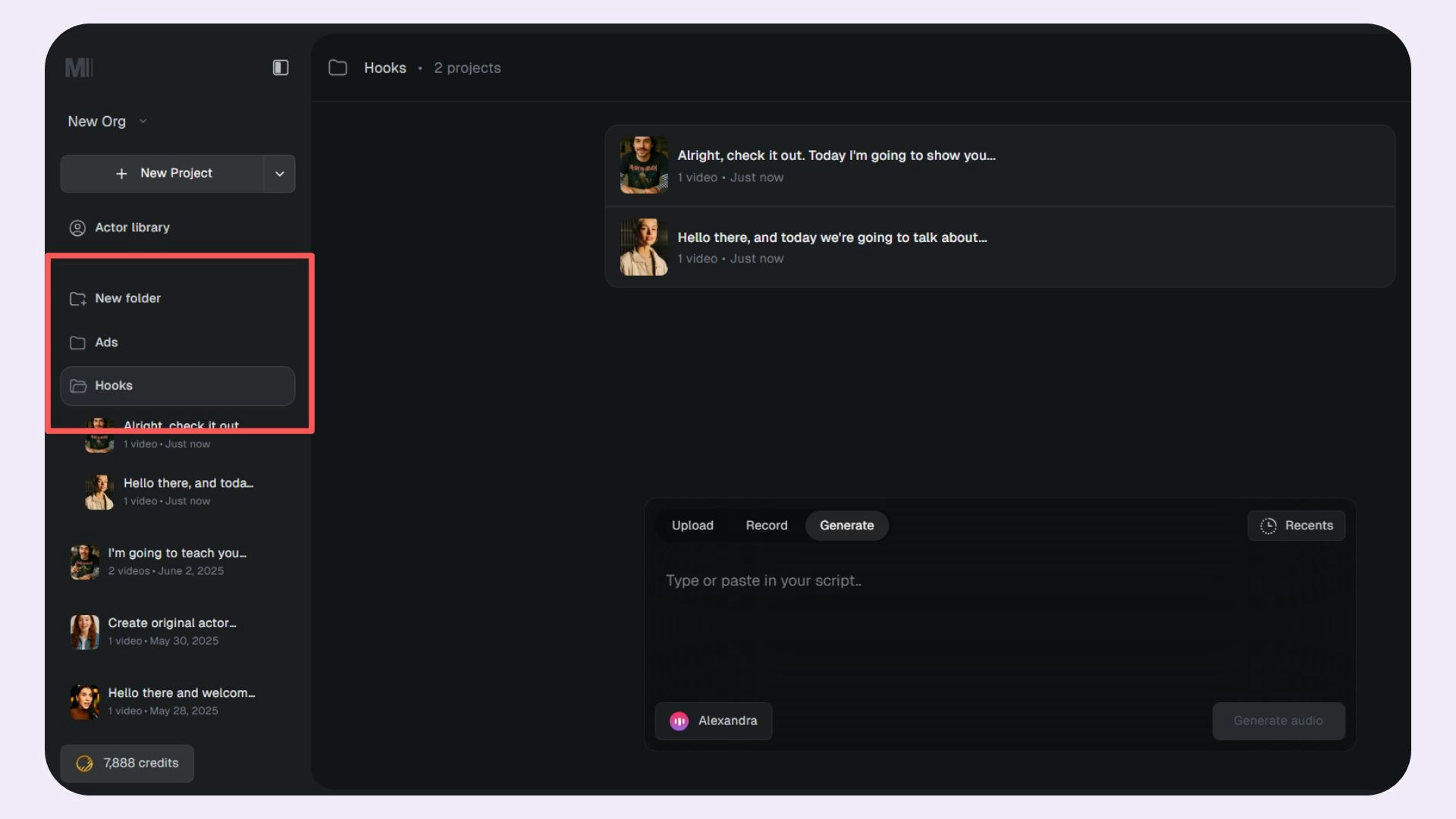
You can use **folders** to manage and organize your projects better. Use the **New Folder** option to create a new folder.